“Claudia Salguero Studio & Gallery”
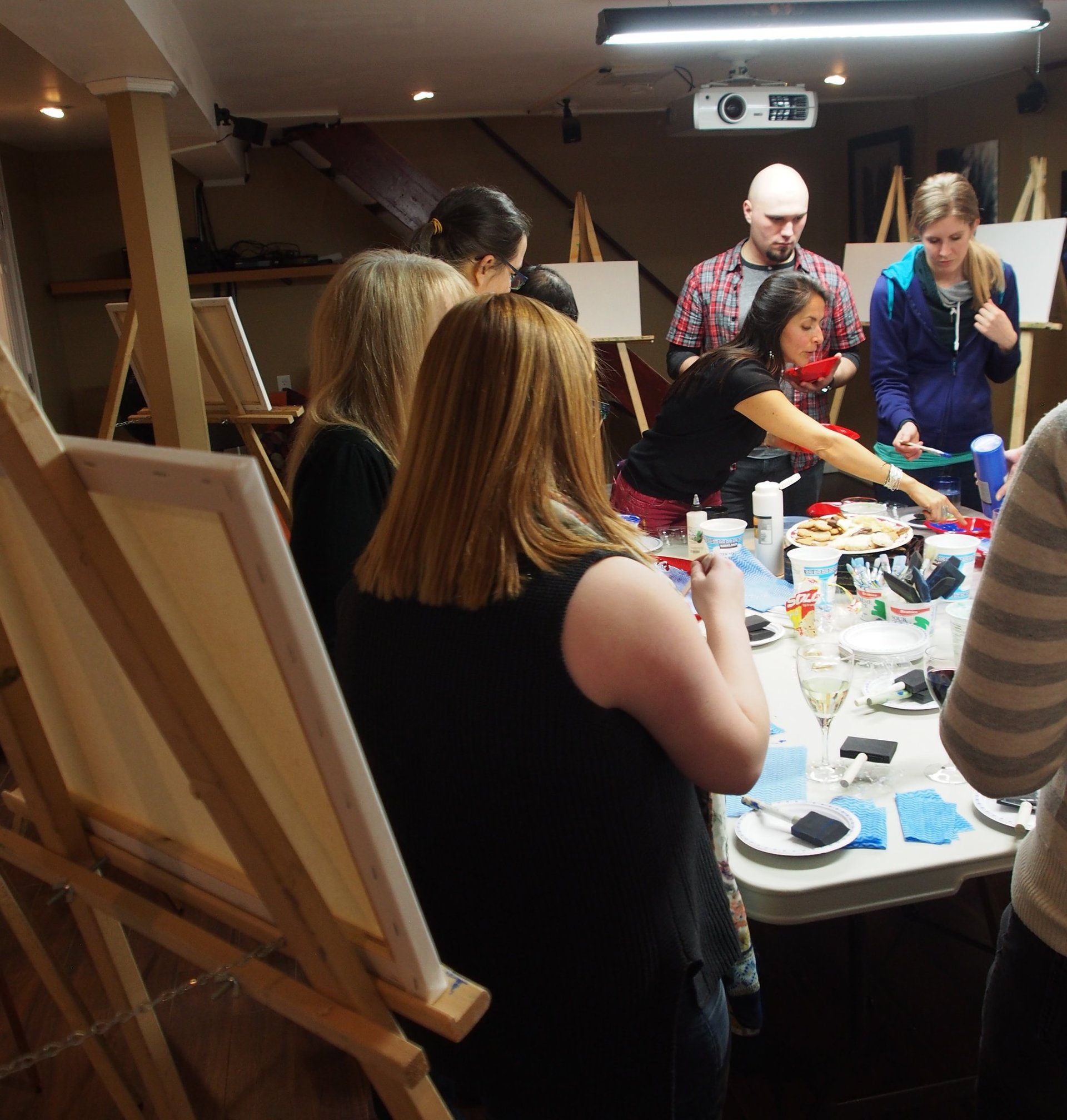
From Painter 12 workshop Claudia Salguero Gallery & studio, posted by Claudia Salguero Art on 5/11/2012 (28 items)
Generated by Facebook Photo Fetcher
Posted 3 days, 22 hours ago.

- Click on the image to see more Claudia’s Corel Painter creations -
COREL PAINTER 12 FOR BEGINNERS
by Corel Painter Master Claudia Salguero
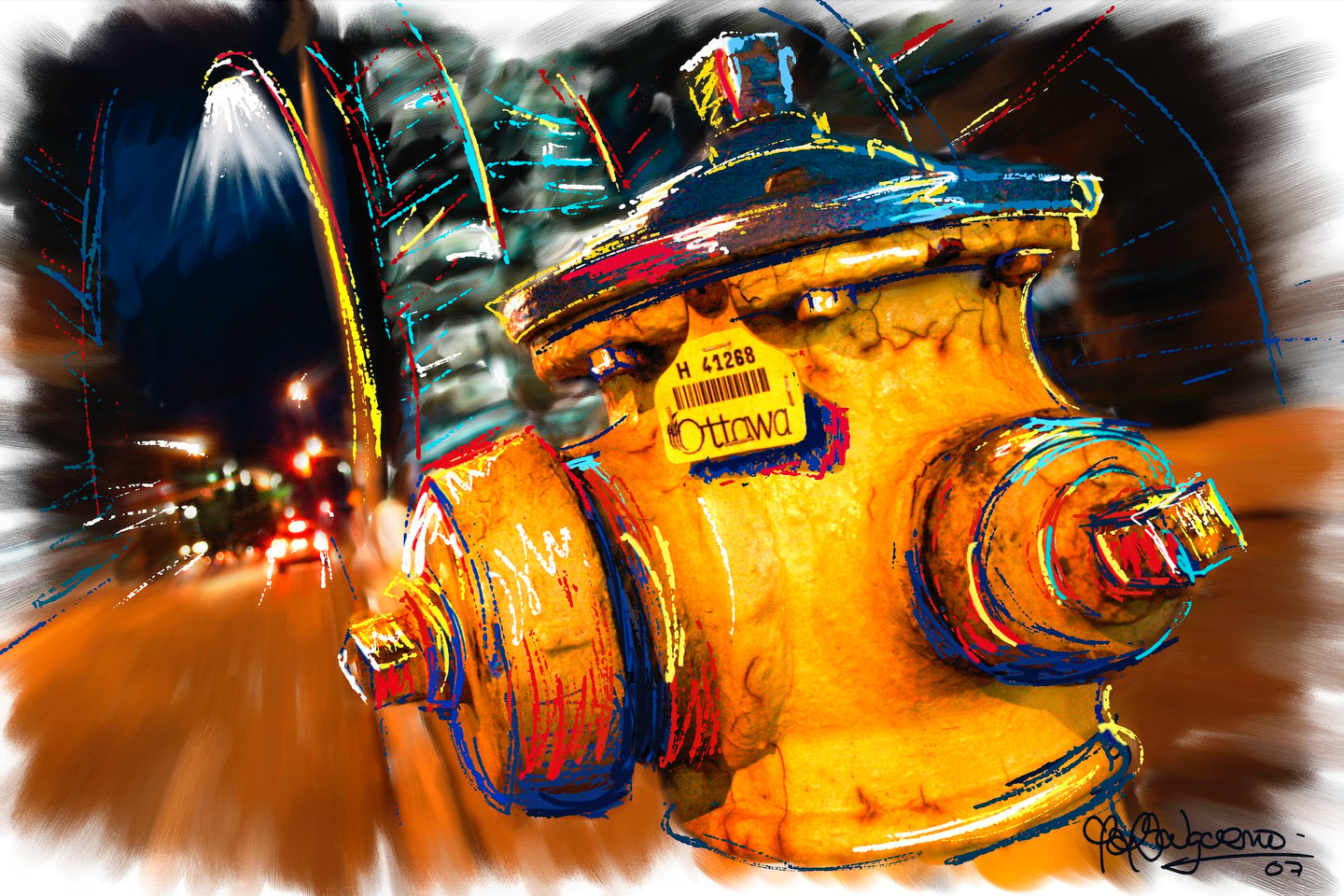
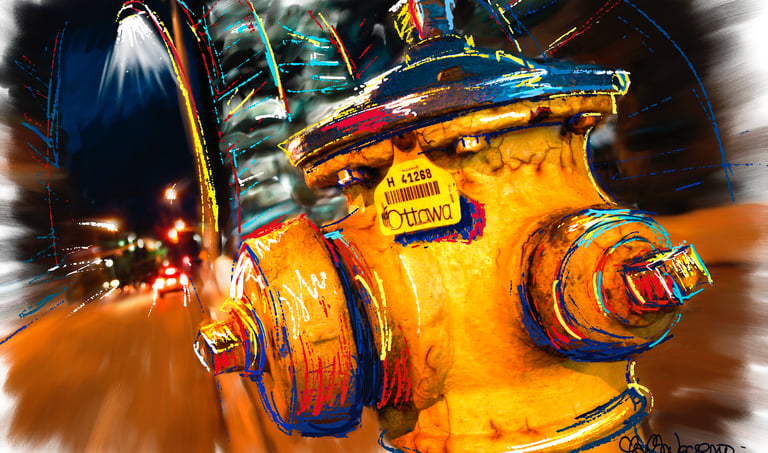
Learn how to transform your photographs into paintings by using and expanding your creativity to unexpected levels with Corel Painter.
Painter is a software created by artists for artists. It is an intuitive and sensible tool that allows you to emulate traditional media and combine it with amazing digital tools taking you to unlimited and unimagined levels of creativity and expression.
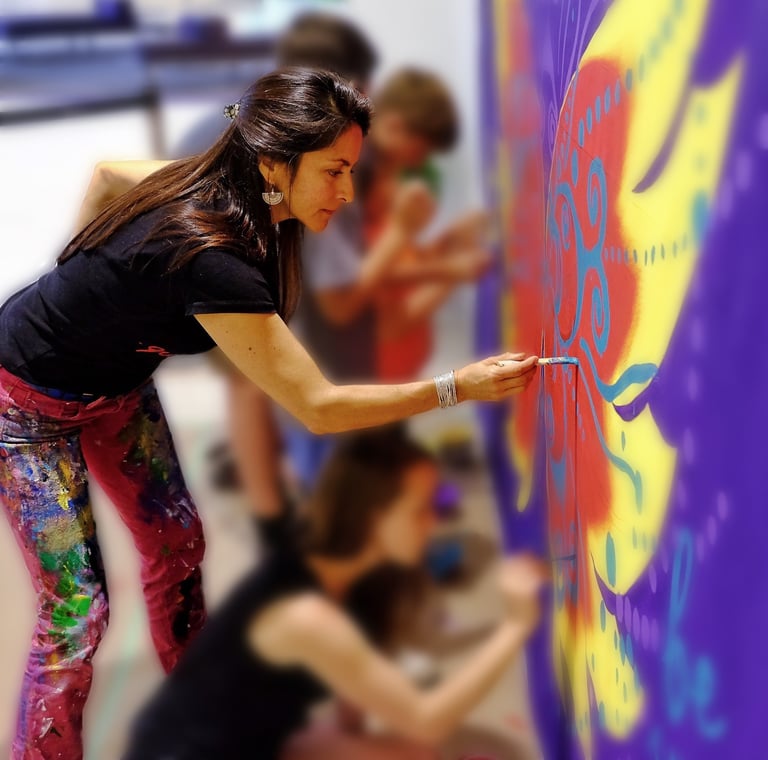
As a Corel Painter Master, I will guide you through Painter providing you with the knowledge and resources to create digital images with balanced composition, artistic expression and unlimited digital artistic possibilities. As a fine-artist I will also guide you through the process of enhancing you creations by hand, working with real brushes on the physical canvas.
No previous painting experience is required.
PAINTER 12 WORKSHOP CALENDAR:
Painter 12 for beginners
-May 10 – 13
-Oct 18 – 21
Workshop schedule:
Day 1: 1:00 to 5:00pm
Day 2, 3 and 4: 9:00 am to 5:00 pm
Fee: $ 750
Location: CLAUDIA SALGUERO STUDIO & GALLERY, Ottawa ON, Canada.
Registration on a first come, first serve basis. Space is limited to 8 students per class.
For motivation and a better idea of the Painter creative process, visit my web site website at www.claudiasalguero.com, click on “Claudia on TV” and watch “CTV REGIONAL CONTACT” and “ROGERS OTTAWA LIVING” featuring my art creations using Painter.
WORKSHOP DESCRIPTION
You will learn:
- How to set up Painter and your Wacom tablet for optimum efficiency, creativity and personal preferences.
- How to manage you workflow to keep your files organized and available.
- How to install, explore, choose, control and customize brushes, palettes and art materials.
- How to use cloning capabilities.
- Give life to your painting through the use of papers, textures, layers and colors beyond cloning capabilities.
- Increase the richness in color and texture through use of tone, value, saturation, focus, and contour sharpness.
- How to use and understand the new Painter 12 interface (Painter 12 workshop)
- How to use the Corel Painter 12 new features: Mirror painting, Kaleidoscope magic tools, real watercolor and wet oil tools, and more.
- How to transform your photograph into an artwork using Painter traditional media tools.
- In a few words: how to create amazing art from photographs using tools that literally go beyond reality…!
Workshop includes:
Your own creation printed on canvas.
Gallery bars for canvas stretching.
Acrylics and brushes provided for hands-on experience.
DAY 1
Introduction to Painter 12 and set up
The Wacom tablet
Corel Painter Interface
Customizing Painter
Exploring tools
DAY 2
The creative process part 1
Selection of a photo
The story behind the image
Composition- Color theory
Creating/ personalizing brushes and papers
Creating the basic image: Cloning, Under-painting
DAY 3
The creative process part 2
Creativity and expression
Color making
Lights and shadows
The magic of layers: transforming/combining
Color enhancement. Special effects
DAY 4
The stroke-by-stroke hands-on experience
Learn how to stretch your canvas on bars.
Learn how to enhance your printed creation with real acrylic brushes. And do it!
What to bring:
- Computer: a Mac or a Windows, laptop or desktop PC. Mac OS X or Windows XP or Vista, with as much RAM as you can afford (at least 500 MB recommended) and at least 5 GB free hard drive space recommended to store your data.
- Corel Painter 12 software installed and working in your computer. (For purchase, upgrades or trial downloads visit www.corel.com).
- Wacom tablet (Intuos or Bamboo models will work) 6 x 8 inches or bigger. Please install the latest Wacom driver, which you can download from www.wacom.com.
- Digital photos that you’d like to transform into paintings. Recommended formats: jpg, tiff, or psd. Recommended size: Minimum 5 x 7 inches 300 dpi.
- Your meals/diet: Participants are responsible for their own meals/diet. Kitchen facilities are available. Coffee, tea and snacks provided.
CLAUDIA SALGUERO STUDIO & GALLERY
Tel (613)680-4560
claudia@claudiasalguero.com
www.claudiasalguero.com
MORE WORKSHOPS!
Painter 11 for beginners
-May 15 – 18
PRIVATE LESSONS
For those who prefer personal training
Painter 12 or Painter 11
Fee: $120/hour
Please contact Claudia to get your Registration Form, Pay Pal payment instructions and accommodation information if needed.
Posted 3 weeks, 2 days ago.
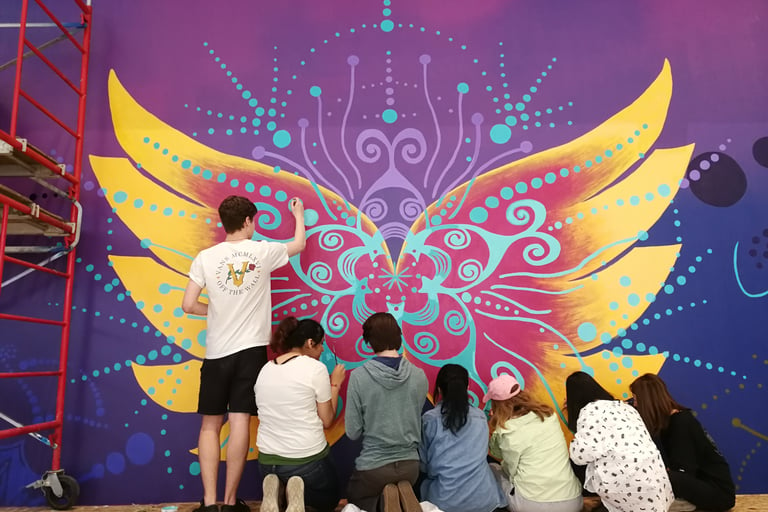
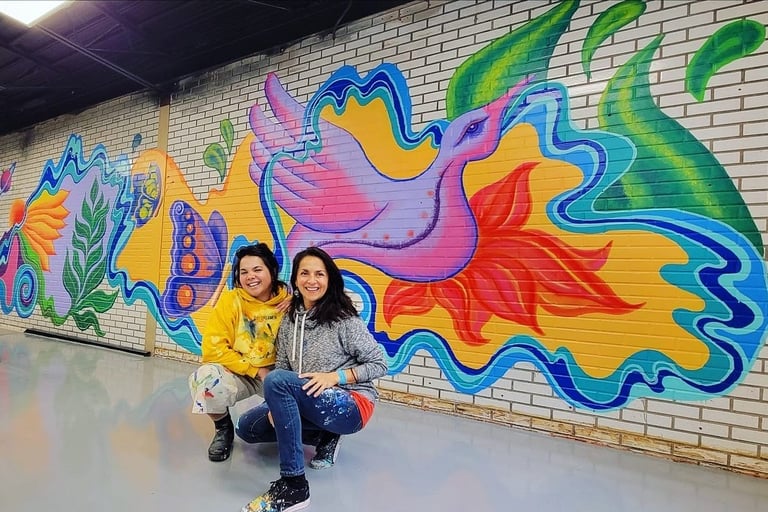
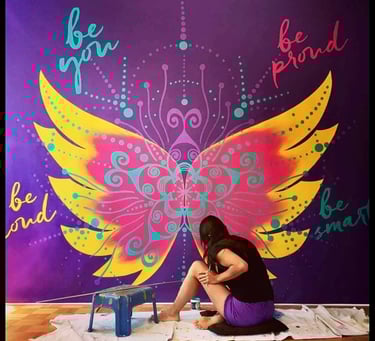
I am an artist convinced of the power of energy, and of art as a medium to strengthen it and to express it. This energy is processed in the Centers of energy in our bodies or Chakras, that we will learn to use as tangible every day tools trough the creation of Mandalas.
Workshops in English and Spanish available. Click on the image to learn more…

Posted 3 weeks, 2 days ago.

COREL PAINTER 12 FOR BEGINNERS
Learn how to transform your photographs into paintings by using and expanding your creativity to unexpected levels with Corel Painter.
Painter is a software created by artists for artists. It is an intuitive and sensible tool that allows you to emulate traditional media and combine it with amazing digital tools taking you to unlimited and unimagined levels of creativity and expression.
As a Corel Painter Master, I will guide you through Painter providing you with the knowledge and resources to create digital images with balanced composition, artistic expression and unlimited digital artistic possibilities. As a fine-artist I will also guide you through the process of enhancing you creations by hand, working with real brushes on the physical canvas.
No previous painting experience is required.
PAINTER 12 WORKSHOP CALENDAR:
Painter 12 for beginners
-May 10 – 13
-Oct 18 – 21
Workshop schedule:
Day 1: 1:00 to 5:00pm
Day 2, 3 and 4: 9:00 am to 5:00 pm
Fee: $ 750
Location: CLAUDIA SALGUERO STUDIO & GALLERY, Ottawa ON, Canada.
Registration on a first come, first serve basis. Space is limited to 8 students per class.
For motivation and a better idea of the Painter creative process, visit my web site website at www.claudiasalguero.com, click on “Claudia on TV” and watch “CTV REGIONAL CONTACT” and “ROGERS OTTAWA LIVING” featuring my art creations using Painter.
WORKSHOP DESCRIPTION
You will learn:
- How to set up Painter and your Wacom tablet for optimum efficiency, creativity and personal preferences.
- How to manage you workflow to keep your files organized and available.
- How to install, explore, choose, control and customize brushes, palettes and art materials.
- How to use cloning capabilities.
- Give life to your painting through the use of papers, textures, layers and colors beyond cloning capabilities.
- Increase the richness in color and texture through use of tone, value, saturation, focus, and contour sharpness.
- How to use and understand the new Painter 12 interface (Painter 12 workshop)
- How to use the Corel Painter 12 new features: Mirror painting, Kaleidoscope magic tools, real watercolor and wet oil tools, and more.
- How to transform your photograph into an artwork using Painter traditional media tools.
- In a few words: how to create amazing art from photographs using tools that literally go beyond reality…!
Workshop includes:
Your own creation printed on canvas.
Gallery bars for canvas stretching.
Acrylics and brushes provided for hands-on experience.
DAY 1
Introduction to Painter 12 and set up
The Wacom tablet
Corel Painter Interface
Customizing Painter
Exploring tools
DAY 2
The creative process part 1
Selection of a photo
The story behind the image
Composition- Color theory
Creating/ personalizing brushes and papers
Creating the basic image: Cloning, Under-painting
DAY 3
The creative process part 2
Creativity and expression
Color making
Lights and shadows
The magic of layers: transforming/combining
Color enhancement. Special effects
DAY 4
The stroke-by-stroke hands-on experience
Learn how to stretch your canvas on bars.
Learn how to enhance your printed creation with real acrylic brushes. And do it!
What to bring:
- Computer: a Mac or a Windows, laptop or desktop PC. Mac OS X or Windows XP or Vista, with as much RAM as you can afford (at least 500 MB recommended) and at least 5 GB free hard drive space recommended to store your data.
- Corel Painter 12 software installed and working in your computer. (For purchase, upgrades or trial downloads visit www.corel.com).
- Wacom tablet (Intuos or Bamboo models will work) 6 x 8 inches or bigger. Please install the latest Wacom driver, which you can download from www.wacom.com.
- Digital photos that you’d like to transform into paintings. Recommended formats: jpg, tiff, or psd. Recommended size: Minimum 5 x 7 inches 300 dpi.
- Your meals/diet: Participants are responsible for their own meals/diet. Kitchen facilities are available. Coffee, tea and snacks provided.
CLAUDIA SALGUERO STUDIO & GALLERY
Tel (613)680-4560
claudia@claudiasalguero.com
www.claudiasalguero.com
MORE WORKSHOPS!
Painter 11 for beginners
-May 15 – 18
PRIVATE LESSONS
For those who prefer personal training
Painter 12 or Painter 11
Fee: $120/hour
Please contact Claudia to get your Registration Form, Pay Pal payment instructions and accommodation information if needed.
Posted 8 months, 1 week ago.